


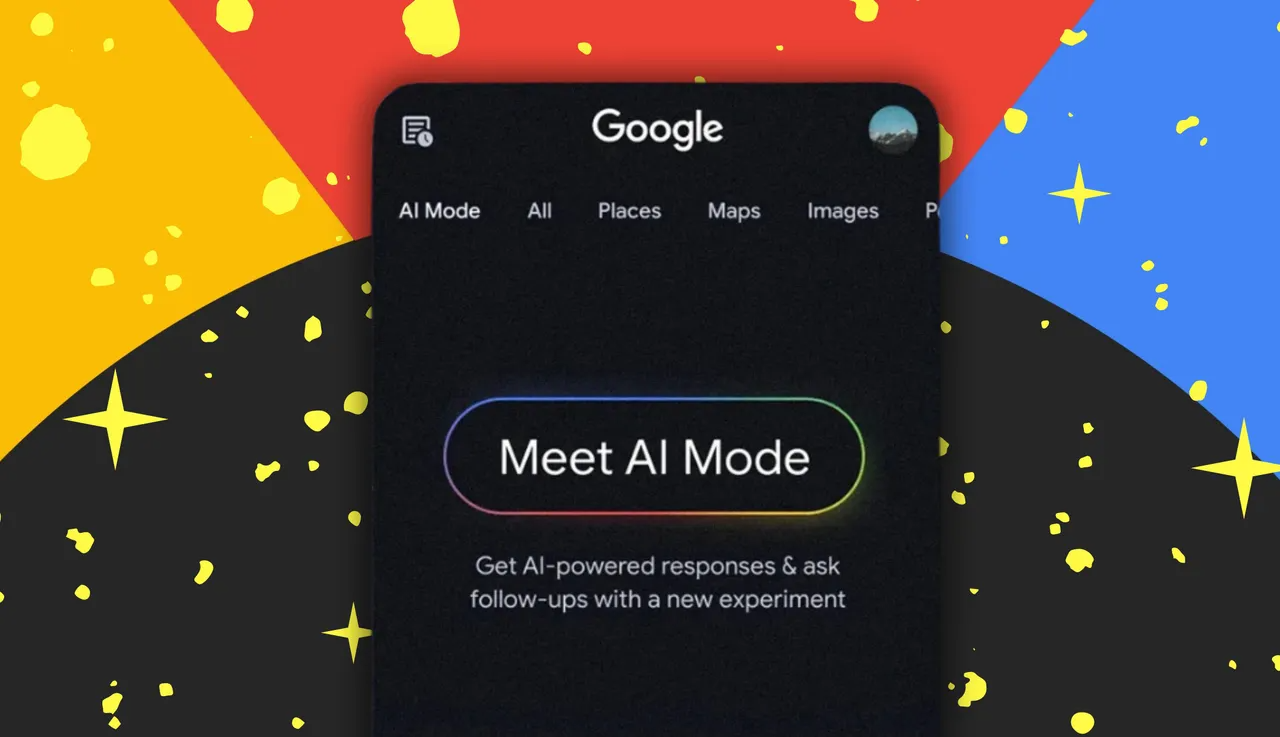
Have you ever found yourself endlessly scrolling through search results, trying to describe something that exists only in your mind? Perhaps it’s a cozy corner for your living room, a fall-inspired outfit, or a quirky gadget that words just can’t capture. Words often fall short when you want something highly visual. Enter Google’s AI Mode, a revolutionary update to Google Search that transforms how we explore the world visually. Whether you’re shopping, designing, or seeking inspiration, AI Mode allows you to search and explore using natural language, images, or even photos you take in real time.
This innovative update makes visual exploration intuitive and more natural, bridging the gap between imagination and reality. AI Mode doesn’t just respond to typed queries; it understands the nuances of visual content and offers a multimodal experience that blends image recognition with advanced AI-driven suggestions.
Visual Exploration Made Simple
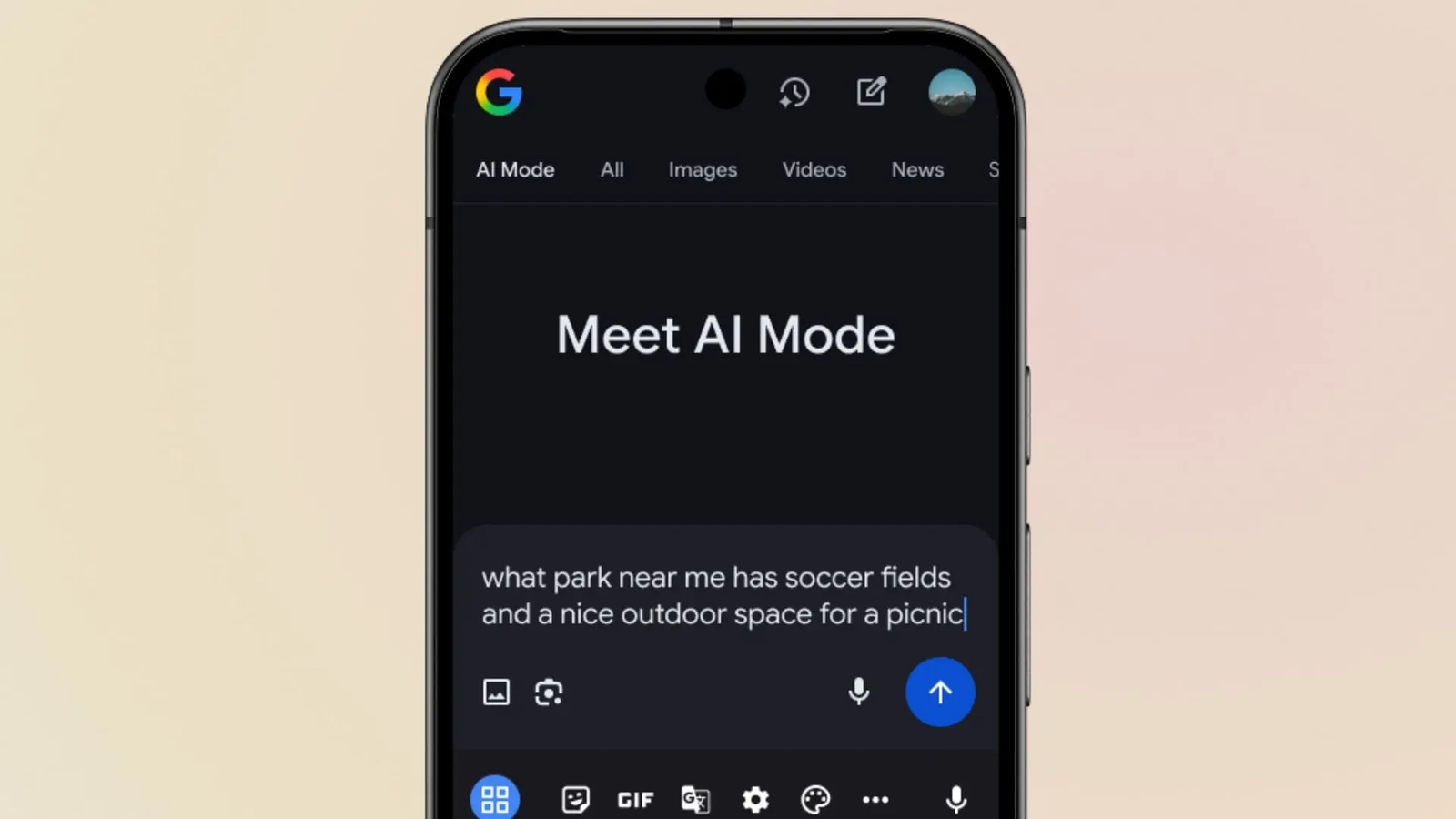
Traditionally, finding exactly what you want online required painstakingly precise keywords, filters, and search refinements. But Google’s AI Mode allows you to ask questions conversationally, giving you results that are not only relevant but visually rich.
Imagine searching for “maximalist bedroom design inspiration.” AI Mode can interpret the style, colors, and vibe you’re after, presenting a curated set of images that match your taste. If you want variations—say, darker tones or bold patterns—you can refine your search by simply asking in natural language.
This seamless approach means you don’t have to overthink search terms. Each image comes with clickable links, allowing you to explore further without leaving the interface. Even better, AI Mode supports multimodal inputs, so you can upload an image or snap a photo to kick-start your visual exploration.
| Feature | Description | Benefit |
|---|---|---|
| Conversational Search | Ask questions naturally | Refine searches like talking to a friend |
| Multimodal Input | Upload or capture images | Get context-specific results instantly |
| Continuous Refinement | Follow-up queries | Narrow down exactly what you want |
| Clickable Visuals | Explore sources directly | Save time and stay inspired |
This table highlights just a few ways AI Mode transforms online searching from a tedious chore into an engaging, creative experience.
Conversational Shopping Like Never Before

One of the most exciting applications of AI Mode is visual shopping. Instead of navigating complex filter menus, you can describe exactly what you’re looking for as if you were talking to a friend.
For example, if you want the perfect pair of “barrel jeans that aren’t too baggy,” AI Mode will curate options that meet your specifications. Want ankle-length variations or specific colors? Simply refine your query using natural language. Each product can then be explored further with links to retailers for easy purchase.
Thanks to Google’s Shopping Graph, which includes more than 50 billion product listings updated hourly, users gain access to the latest deals, colorways, and availability from major retailers and local stores alike. This ensures you see only the freshest shopping results while enjoying a fully interactive visual search experience.
| Shopping Feature | Benefit |
|---|---|
| Descriptive Queries | Find products without complex filters |
| Personalized Refinements | Adjust results in real time |
| Global Listings | Access products from around the world |
| Real-Time Updates | Shop the latest options instantly |
Whether you’re hunting for fashion, home decor, electronics, or seasonal items, AI Mode streamlines the shopping journey, making it more intuitive, efficient, and visually appealing.
Advanced Image Understanding with AI
At the core of AI Mode’s visual search capabilities lies Google’s sophisticated image understanding technology. By combining Lens, Image Search, and the advanced Gemini 2.5 AI model, Google achieves a remarkable ability to analyze images in depth.
AI Mode doesn’t just identify the main objects in a picture; it also detects secondary details and subtle nuances. This multi-layered approach, known as “visual search fan-out,” enables Google to run multiple background queries, resulting in highly accurate and contextually relevant visual results.
For instance, if you upload an image of a living room, AI Mode can recognize furniture, lighting, color schemes, and even decor patterns. You can then ask follow-up questions like, “Show me similar sofas in teal” or “Give me darker curtains with this design,” creating a conversational and dynamic visual search journey.
| Image Analysis Feature | Functionality |
|---|---|
| Primary Object Detection | Identify the main subject |
| Secondary Object Recognition | Detect supporting elements |
| Visual Context Analysis | Understand style, mood, and nuance |
| Multi-query Background Search | Generate more accurate results |
This powerful capability transforms how we understand images, making AI Mode a tool not only for searching but for exploring ideas, planning projects, and discovering new inspirations.
Creative Inspiration and Everyday Use
AI Mode isn’t just for shopping or design enthusiasts. Its applications extend to anyone seeking visual clarity for creative or practical purposes. Homeowners looking to redecorate, fashion lovers hunting for trends, or artists in need of references can all benefit from AI Mode’s natural language-driven visual search.
For instance, you might be seeking “throw pillows in the perfect shade of blue” to complement your living room. AI Mode can quickly provide a selection of visually matching options. The experience is even more interactive on mobile devices, where you can focus on a specific image and ask conversational follow-up questions like, “Show me similar patterns” or “Where can I buy this style?”
The seamless combination of natural language understanding, visual recognition, and real-time search refinement makes AI Mode a versatile tool for anyone looking to translate ideas into actionable visual content.
Benefits of Google AI Mode
AI Mode offers a range of benefits that go beyond traditional search, including:
- Time Efficiency: Save hours scrolling through irrelevant results.
- Enhanced Accuracy: AI Mode understands subtle visual nuances.
- Convenience: Search visually with images, photos, or text.
- Inspiration: Discover ideas that words alone cannot convey.
- Shopping Simplified: Find products quickly using natural descriptions.
By merging AI-driven image recognition with conversational search, Google AI Mode redefines what it means to search and explore visually.
Frequently Asked Questions (FAQs)
Q1: What is Google AI Mode?
A1: Google AI Mode is an enhanced visual search feature in Google Search that uses natural language and image recognition to provide rich, context-aware results.
Q2: Can I upload my own images for search?
A2: Yes, AI Mode allows you to start searches using uploaded images or photos taken on your device, making it easy to explore visually.
Q3: How does AI Mode help with shopping?
A3: By describing what you want conversationally, AI Mode finds shoppable options from Google’s Shopping Graph, including the latest deals, styles, and availability.
Q4: What makes AI Mode different from traditional search?
A4: Unlike traditional search, AI Mode combines multimodal inputs, continuous refinement, and advanced image analysis for a more natural and intuitive experience.
Q5: Is AI Mode available globally?
A5: Currently, AI Mode is rolling out in English in the U.S., with plans for broader expansion in the future.
Q6: Can AI Mode recognize subtle details in images?
A6: Yes, it detects both primary and secondary objects, allowing for highly accurate and nuanced visual search results.
Key Features
| Feature | Description | Benefits |
|---|---|---|
| Conversational Queries | Ask naturally | Easier refinement |
| Image Upload & Capture | Start searches visually | Accurate results |
| Shopping Graph Integration | Access 50B+ listings | Fresh, global product options |
| Visual Search Fan-out | Deep image analysis | Understands context & nuances |
| Mobile Follow-ups | Search within images | Dynamic, interactive experience |
Conclusion
Google’s AI Mode is redefining the way we search, explore, and shop online. By combining the power of conversational AI, multimodal inputs, and advanced image recognition, this tool bridges the gap between imagination and reality. Whether you’re seeking creative inspiration, shopping for the latest trends, or exploring unique visual ideas, AI Mode offers a seamless, natural, and highly personalized experience.
With AI Mode, the possibilities are limitless—you can describe, upload, or snap a photo, and Google brings your vision to life. This innovation promises to make searching more intuitive, shopping more efficient, and exploring more inspiring than ever before.
